From the pass
A little comfort on a plate. Fresh pasta, parmesan and a final handful of basil, ready for the table.

A social media scheduler for your small business: prepare Facebook, Instagram, LinkedIn and X posts, review the details and choose when they go live.
Free plan. No trial countdown.
Choose your business. See what planning ahead can look like.

A little comfort on a plate. Fresh pasta, parmesan and a final handful of basil, ready for the table.

Tomatoes washed, herbs picked, chopping boards ready. A quiet moment before the kitchen gets moving.
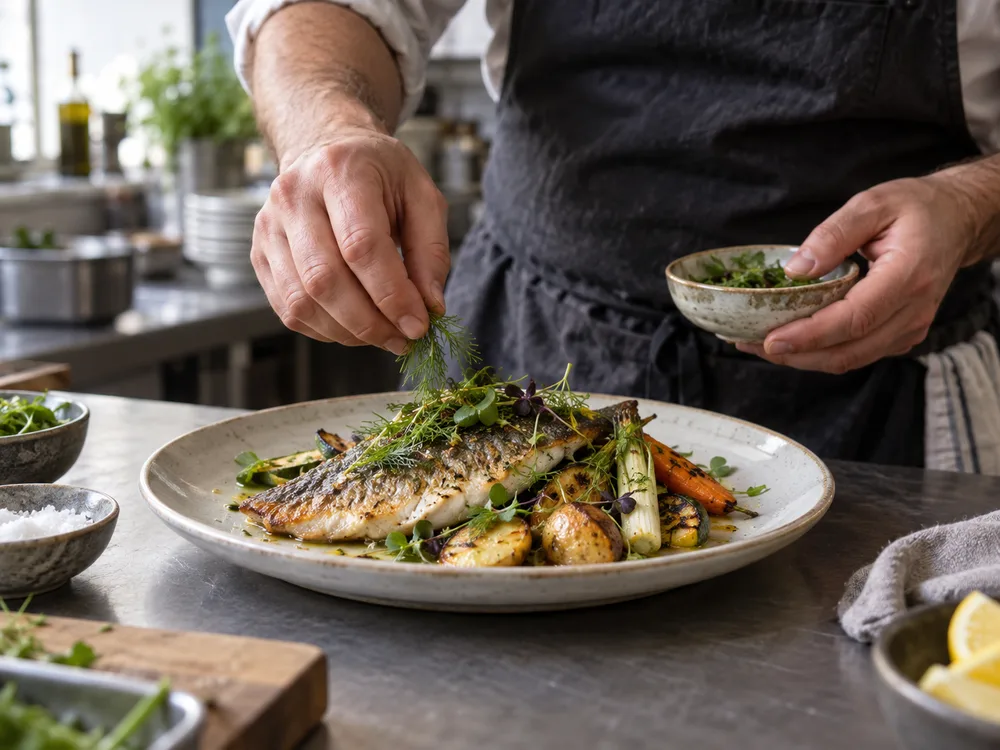
The part of dinner you don't usually see. A look behind the pass at the prep, care and teamwork that go into service.

A closer look at a completed installation. The pipework is supported and the work area is clear, ready for the final handover.
Arranging a service? Tell us which system you have and what you've noticed. That gives our team a useful starting point before the appointment.
What happens after the estimate? We'll talk through the proposed work, answer your questions and agree on the next step before an installation is booked.
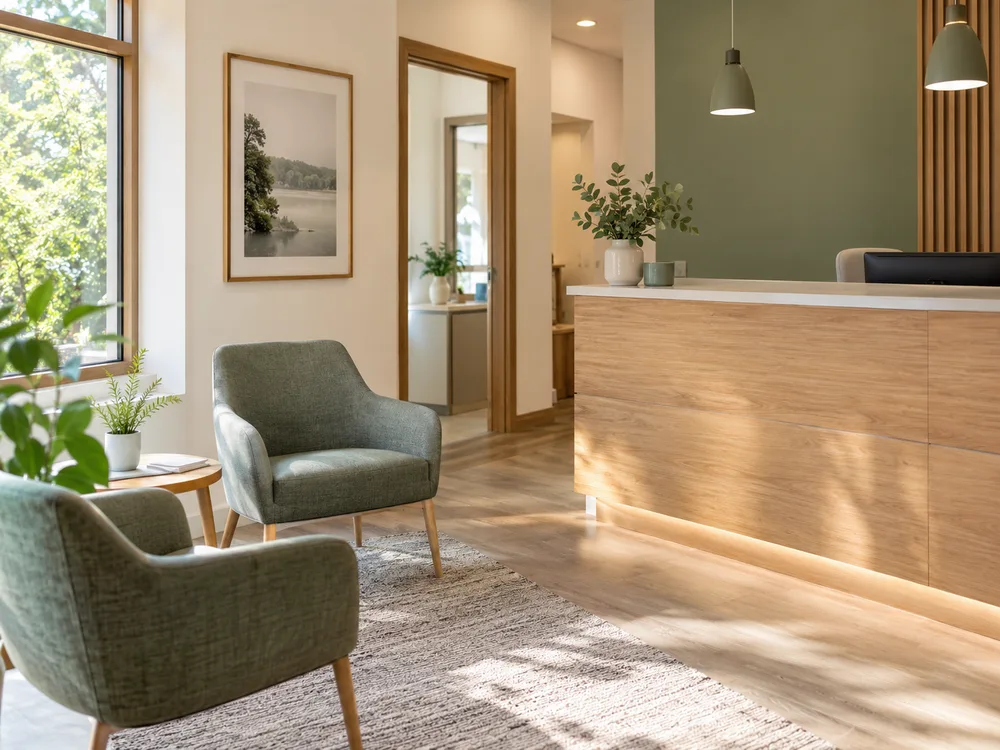
A little look around before your first visit. This is our waiting area, where you can take a seat after checking in with reception.
Your first visit starts with a conversation. Tell the team about any concerns or questions so you can discuss them at your appointment.
Have a question about an appointment? Contact reception to check the arrangements. For a question about your own care, ask to speak with the clinical team.

Bags down, shoes off, a moment to settle in. A look inside one of our guest rooms before the next arrival.
Planning your arrival? Ask our reception team about check-in and parking before you travel, so you know where to go when you get here.
A free afternoon is a good reason to explore. Tell reception what you enjoy, and ask for a nearby walk or a place to stop for lunch.
Show your space, introduce your approach and answer a booking question.
Explore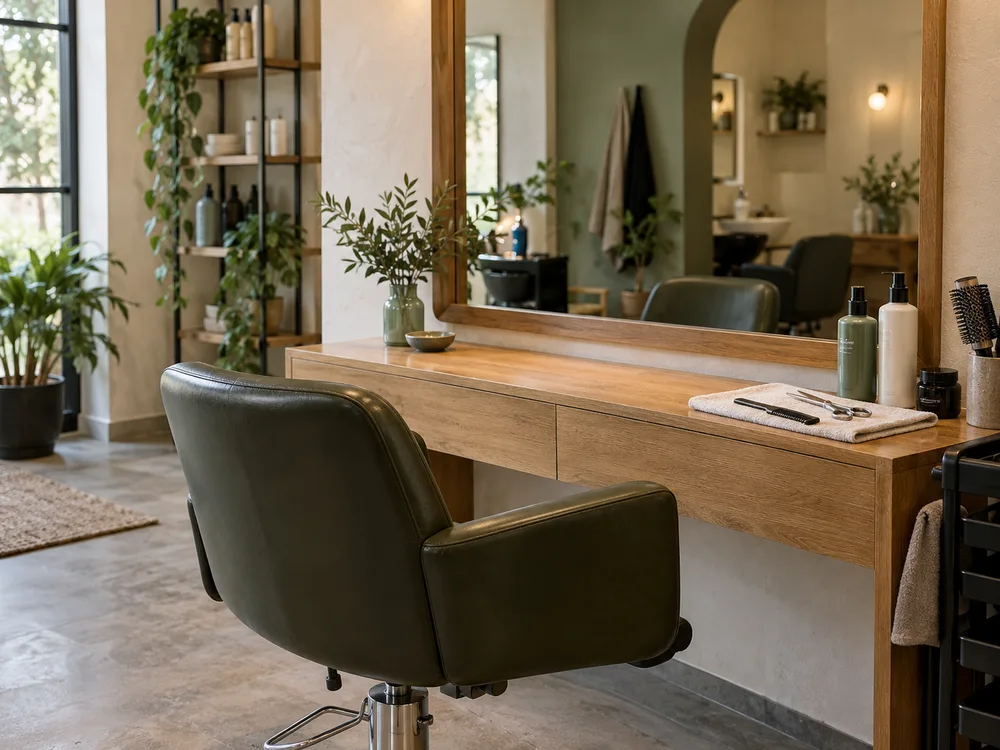
A reset between appointments. Tools in place, chair ready and a little breathing room before the next consultation.
A reference photo can help start the conversation. We'll talk through what you like about it and what might suit your hair before agreeing on the service.
If you're choosing between services, ask us before booking. Tell us what you're hoping for so we can help you choose the right appointment.
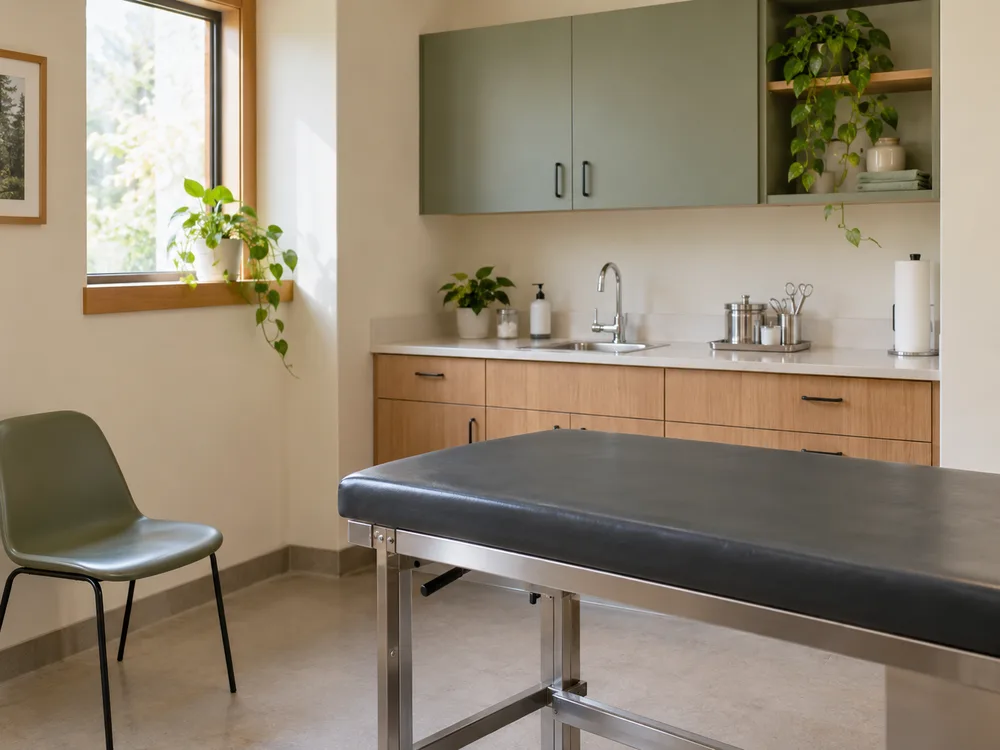
This is one of our consultation rooms, ready for the day. A familiar view for your next visit, without the busy waiting room.
Have questions about arriving with your pet? Contact reception before your visit so the team can explain the clinic's arrangements.
Each animal's situation is different. Contact the clinic for a question about your pet's care; a comment on a social post can't replace that conversation.
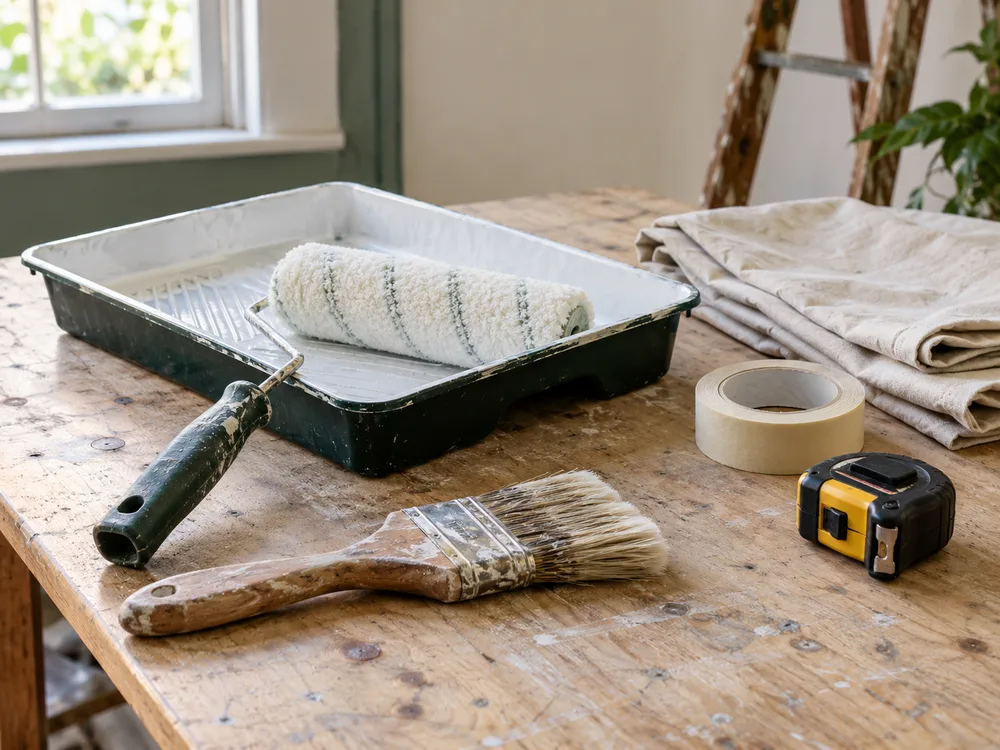
A little preparation before the work begins. Tools checked, the job reviewed and the next steps agreed with the customer.
Tell us what you need done and where the work is. A clear description and a few photos can help us understand the job before we discuss a quote.
Need to check access or ask how to prepare for a visit? Get in touch before the appointment so we can agree on the arrangements with you.
Illustrative posts and generated photos. Your business supplies the words and images.
Bring your ideas and photos together. Prepare several drafts while you have time.
Check the details and each destination. Invite the people who help, with no seat fees.
Choose when each post should publish. Check delivery in your workspace.
You already have the news: a finished job, a new dish, a room ready for guests. Prepare it once, adapt it for each channel and make it part of your week.
Keep the facts together. Customize the caption or media when Facebook and Instagram need different versions.
ExploreSchedule exact times on every plan. Paid plans add recurring posting slots for the content you approve.
ExplorePrepare opening hours, service reminders and event details for your Page. See what’s coming up in the planner.
ExploreKeep feedback and approval with the saved post. Everyone gets their own membership, with no seat fees.
ExploreSee published, failed and held work. Alerts flag problems with posts and disconnected channels.
ExploreSimple guides and useful post ideas, drawn from the work your business already does.
To schedule an Instagram post in Nuntio, connect an eligible professional account, prepare one image or Reel with its caption, save and approve the Instagram version, then choose a date and time. Confirm the scheduled record in your workspace. This workflow does not publish Instagram Stories or carousels.
ReadTo schedule a Facebook Page post in Nuntio, connect the Page, prepare your text and supported media, save the draft and approve its Page version. Choose a date and time in the displayed timezone, then confirm the scheduled publication. Saving or approving a draft alone does not put it on the calendar.
ReadTo find an Instagram post scheduled in Nuntio, open the workspace that owns the Instagram channel and check its planner for the intended date. Confirm the channel and recorded status before creating another post. Drafts and schedules made directly in Instagram or another tool are separate from Nuntio’s scheduled publications.
ReadChoose a customer question, a piece of finished work or a practical change your audience needs to know about. Use your own photo and verified details to turn that subject into a draft. The examples below help local businesses prepare useful posts without inventing news or relying on a daily filming routine.
ReadYou bring the ideas and write the text. Nuntio helps you prepare drafts, review them and schedule them. The post-ideas pages give you practical starting points. See the roadmap for planned features.
Facebook Page posts, single-image Instagram posts and Reels, LinkedIn posts and X posts. Instagram needs an eligible professional account. Stories, carousels and Google Business Profile aren’t supported. See the roadmap for planned features.
Yes. Every plan includes unlimited team members with no per-seat fees. Give each person their own membership and the right permissions for your workspace.
Yes. Prepare one announcement, adapt its Facebook and Instagram versions, collect feedback and approve the saved content before scheduling. The draft, review decision and delivery history stay in the same workspace. You can use that routine with two channels on the Free plan, within its delivery limits.
Start with two channels and ten deliveries a month, free.