Make the useful details easy to find
Prepare changes to opening hours, service availability, events or seasonal reminders. Facebook Page posts can include text, links, supported images or one video. Put the detail customers need near the start.

Schedule Facebook Page posts in Nuntio by preparing the text and supported media, reviewing the saved version and choosing its publishing time. Keep service reminders, opening hours and announcements in one workspace with the feedback behind them. Nuntio publishes to Pages; personal profiles and Groups are not supported.
Prepare changes to opening hours, service availability, events or seasonal reminders. Facebook Page posts can include text, links, supported images or one video. Put the detail customers need near the start.
A teammate can prepare the draft while you verify the dates, price or availability. Approve the saved version for the Page, then schedule it. Approval alone does not send anything.
Use the week or month planner to see upcoming work. Open a scheduled publication to reschedule or cancel it when the news changes. Check the saved content rather than assuming a later draft edit changed the scheduled version.
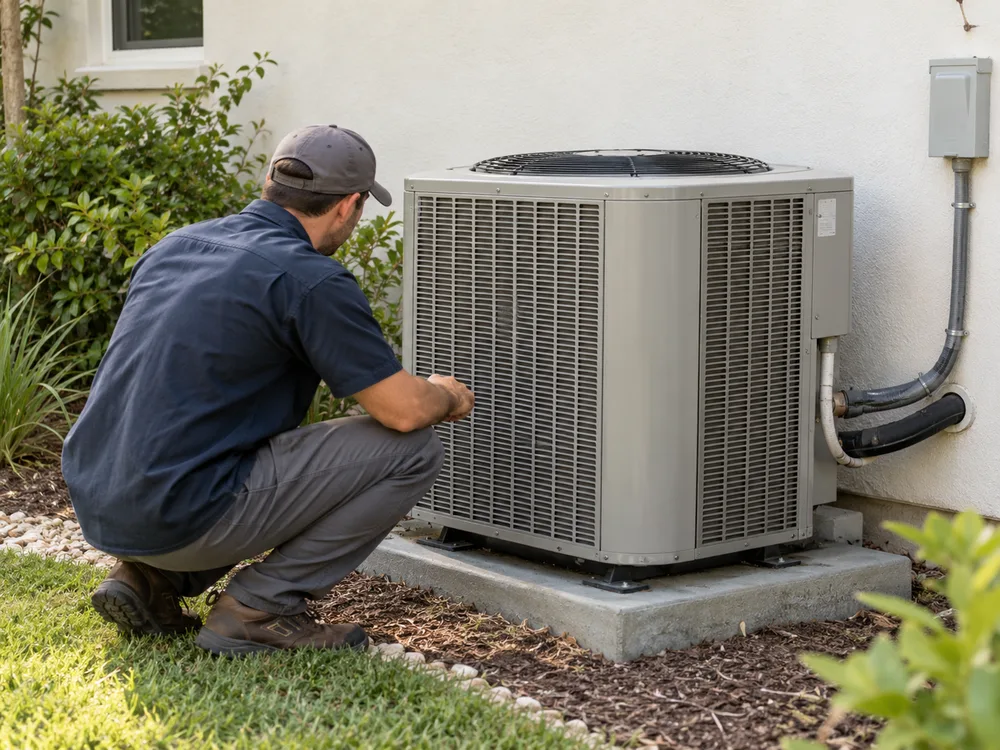
Write a seasonal maintenance reminder with a link to your booking page. Check your actual service area and availability, then schedule it before the period you want customers to prepare for.
Facebook Pages that you are authorized to connect. Personal profiles and Groups are not supported by Nuntio.
Yes. Add an eligible Instagram professional account as another destination and give that version one image or one Reel.
Nuntio offers remote deletion where the provider permits it. Facebook may restrict deletion for some apps; when it does, remove the post in Facebook.
Start with two channels and ten deliveries a month, free.