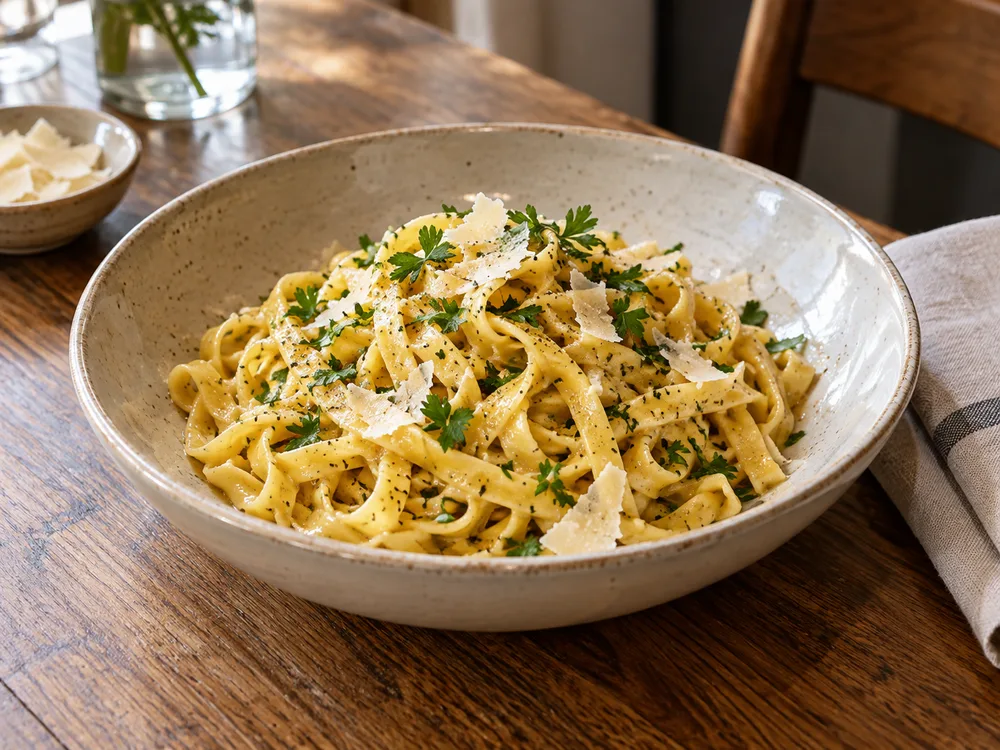
An example lunch post
Prepare a dish photo and caption on Monday, review the price and service hours, then schedule the approved Instagram version for the day the dish is available.

To schedule an Instagram post in Nuntio, connect an eligible professional account, prepare one image or Reel with its caption, save and approve the Instagram version, then choose a date and time. Confirm the scheduled record in your workspace. This workflow does not publish Instagram Stories or carousels.
Saving, approving and scheduling are separate steps.
Open Channels and connect an eligible Instagram professional account. Complete the provider authorization and check that the selected channel is the account you intend to publish to.
Use Write to prepare your caption and select the Instagram destination. Upload your file to the library if needed, then attach one image or one Reel to the draft. Uploading a file does not attach it to a post.
Save the draft, then open Review. Check the saved caption and media for the Instagram destination and approve that version. Resolve any destination checks before scheduling.
Open the draft's Schedule area, select the approved Instagram destination and enter an exact time in the displayed timezone. Select Schedule to create the publication. Starter and higher plans can instead use Queue with configured rhythm slots.
Open the schedule and find the publication. Check its destination and time. After that time, inspect its recorded outcome; Scheduled and Published mean different things.
Use the Instagram scheduler overview to check formats and permissions. If a saved post seems to be missing, follow the scheduled-post guide before preparing another copy. Stories and carousels are not supported by this workflow.
Examples to adapt to your business.
Prepare a dish photo and caption on Monday, review the price and service hours, then schedule the approved Instagram version for the day the dish is available.
No. This Nuntio workflow supports one feed image or one Reel, not Stories or carousels. See the roadmap for planned features.
Saving or approving a draft does not schedule it. Check that you completed Schedule or Queue and that a publication was created for the correct destination.
Yes. Nuntio Free includes exact-time scheduling within its channel and monthly delivery limits. Start with one eligible Instagram account, review the saved version and choose when it should publish.
Start with two channels and ten deliveries a month, free.