Use the photos you already take
Upload a finished-job photo, a new dish or a look inside your business to the media library. Attach one image to a draft, write the caption and select your eligible Instagram professional account.
Schedule an Instagram feed image or Reel in Nuntio by preparing the caption and media, approving the saved version and choosing a date and time. An eligible professional account is required. Your team can review the post before it is scheduled; Instagram Stories and carousels are not supported.
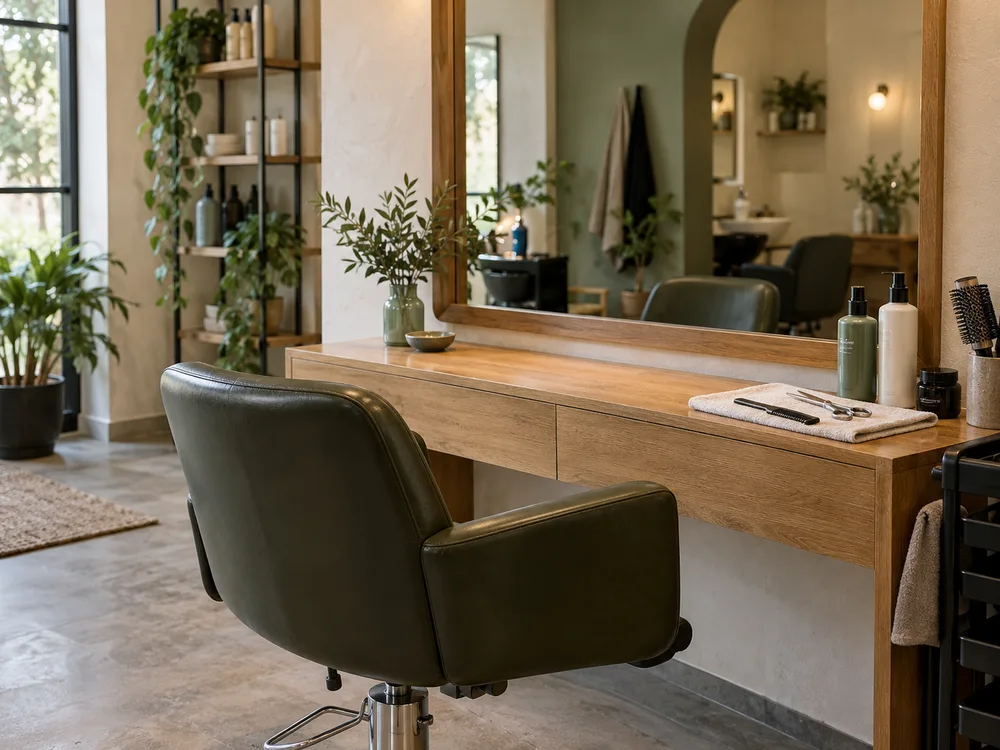
Upload a finished-job photo, a new dish or a look inside your business to the media library. Attach one image to a draft, write the caption and select your eligible Instagram professional account.
Nuntio supports one JPEG or PNG image with a caption, or one MP4 or MOV Reel. Prepare the media before scheduling. Stories and carousels need another publishing route.
Choose exact dates and times on any plan. Starter and higher plans also include Rhythms for recurring weekday and time slots. Queue places approved content into free slots; you still choose what the posts say.
Open the publication to check its outcome and delivery history. A scheduled post is upcoming work; a published post has a recorded delivery confirmation. Problems have their own status and next steps.
Save a finished-style photo with permission, a treatment explanation and a reminder about next week's openings. Prepare them together, then choose a time for each approved post.
Instagram publishing in Nuntio requires an eligible professional account and the permissions requested when you connect it.
You choose your times and recurring slots. Nuntio does not claim to recommend times from audience analytics. See the roadmap for planned features.
No. Nuntio currently supports one image or one Reel per Instagram post. See the roadmap for planned features.
Start with two channels and ten deliveries a month, free.