
Skip to content
Nuntio
Login

Six posts from a week in your kitchen.

Choose one of these six restaurant post ideas, use your own dish or kitchen photo, and replace the example details with the menu facts you can verify. Each prompt includes a caption and photo preparation notes. Check ingredients, prices and service dates before turning the draft into a scheduled update.

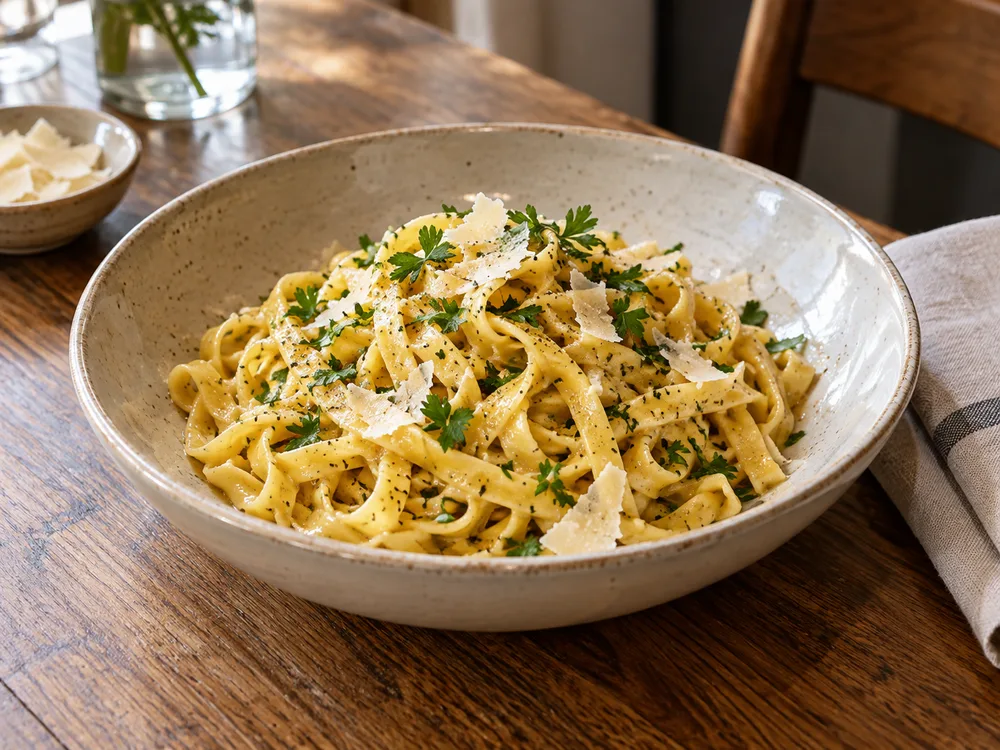
A plate of pasta ready for service
Before the lunch rush · Illustrative photo

Five more ways
to share your work.

Choose the moment you already have. Replace every bracketed detail with a fact you have checked before using a caption.

One step in prep

Turn everyday prep into a story.
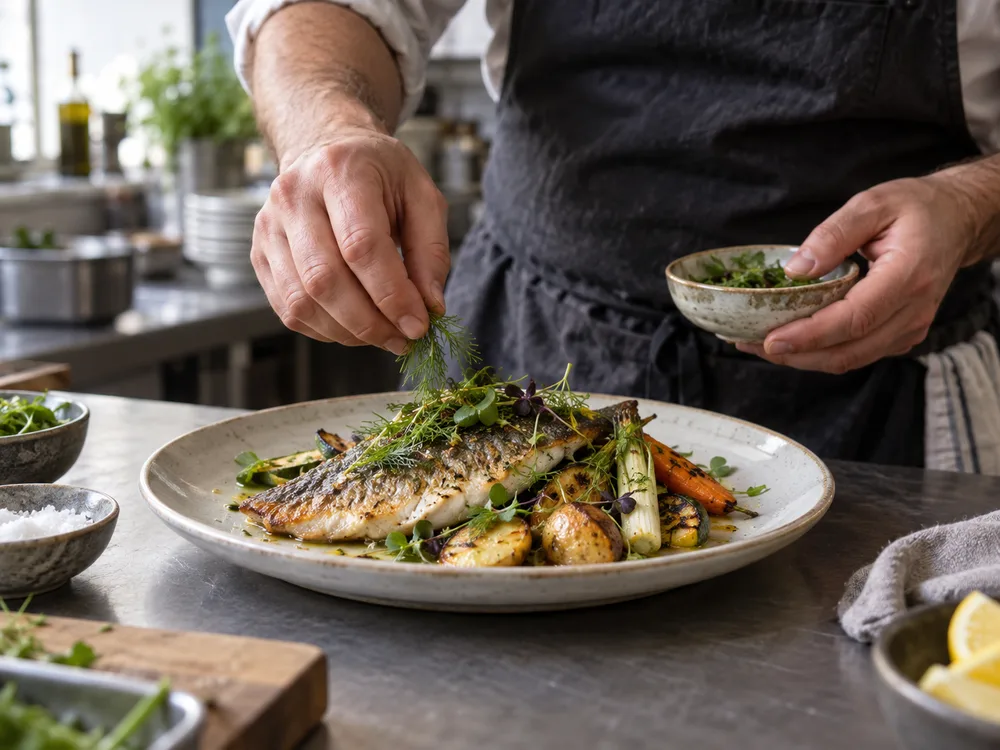
Illustrative hands preparing food at a kitchen station
One way to frame it · Illustrative photo

Example caption

Fresh herbs are the last part of this plate. This photograph shows the final check at the kitchen station before service. The menu description for [dish name] lists what comes with it; substitutions need a separate check with the kitchen.

Prepare

Photograph

Photograph hands adding the final garnish to a plate at a clean kitchen station. Keep guests and order tickets out of view.

Make it yours

Show a short clip of a preparation step. Explain what the team is doing without sharing anything you want to keep private.

The person behind the plate

Put the people behind the food in view.

Example caption

Meet [first name], who works on [kitchen role]. Today’s preparation includes [verified task]. A busy service starts with this work already in place, from checking ingredients to getting the station ready.

Prepare

Photograph

With permission, photograph a team member plating a dish they enjoy preparing.

Make it yours

Introduce a team member and one dish they enjoy making. Ask permission before sharing their name or photo.

A question from a first-time guest

Help a new guest plan a visit.

Example caption

This is our entrance from [street or landmark]. For step-free access or a particular seating arrangement, use [contact channel] to ask about the route and space before making your reservation.

Prepare

Photograph

Show the public entrance from the sidewalk without including recognizable guests.

Make it yours

Answer a question about parking, reservations or seating. Check the answer against your current arrangements.

The week’s special

Give a changing menu a place in the plan.

Example caption

[Special name] is planned for [service dates], subject to the ingredients available that day. Use [booking channel] for a table and speak with the kitchen about ingredient questions before ordering.

Prepare

Photograph

Photograph the actual special as it will be served. Leave room beside the plate for a simple title.

Make it yours

Write the offer with its dates, price and any conditions. Use a photo of the actual dish rather than a generic menu image.

A change to opening hours

Remind guests to check arrangements before traveling.

Example caption

Our [holiday name] service runs from [opening time] to [last-order time] on [date]. Book through [booking channel]. If you already have a reservation, check that its date falls within these service arrangements.

Prepare

Photograph

Use a clear photo of the restaurant frontage, without people or booking information in view.

Make it yours

Give the date, revised hours and booking details. Make the update useful even to someone seeing it without the caption’s opening line.

Turn the ideas into a plan.

Turn six ideas into a plan

Capture a few images during prep, then write the six captions together. Check dates and menu details, create drafts in a batch, and review before scheduling. Leave last-minute availability updates for a separate check.

Check before you share

Ask before using staff or guest photos. Keep receipts, booking screens and customer details out of frame. Check allergen wording with the person responsible for the menu; a caption should not make assumptions.

Explore

A few things to know.

Do I need to make a Reel for every idea?

No. Most of these prompts work with one photo and a clear caption. Nuntio supports one Instagram feed image or one Reel per post.

Can Nuntio turn these into posts?

You write your ideas and captions, then use batch creation to prepare editable drafts. Review them, choose channels and schedule the approved destinations.

Turn a useful prompt into a saved draft.

Start with two channels and ten deliveries a month, free.