
Skip to content
Nuntio
Login

Six updates from the work you do.

Pick one of these six local-service post ideas and adapt the caption to the jobs you actually take on. The preparation notes suggest what to photograph and what to leave out. Check the service area, estimate process and appointment details before reviewing the draft and choosing its publishing time.

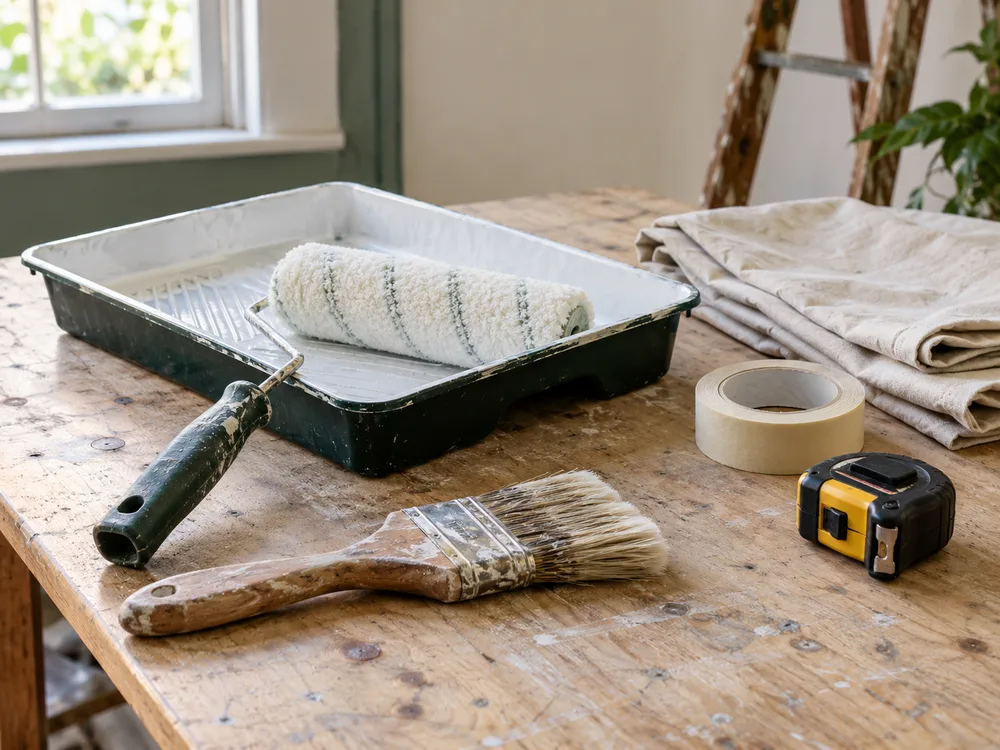
A local service professional's tools prepared for work
At the end of a job · Illustrative photo

Five more ways
to share your work.

Choose the moment you already have. Replace every bracketed detail with a fact you have checked before using a caption.

What a visit includes

Make the appointment easier to understand.

Example caption

What is included in [service name]? The agreed appointment covers [verified scope]. Use [contact channel] to ask about any additional task before booking so the scope and the appointment time describe the same work.

Prepare

Photograph

Show the equipment used for the service without customer details in view.

Make it yours

Answer a common question about the service, using only what your team actually offers.
A detail from finished work

Explain the work through a specific detail.

Example caption

A detail from a completed [job type]: [verified finishing detail]. The post shows what was agreed and completed, with permission to share the work. Customer names, addresses and private documents are outside the photograph.

Prepare

Photograph

Frame one completed detail with the customer’s permission, leaving addresses and personal possessions out.

Make it yours

Photograph completed work with permission and describe the detail in the frame.

The people doing the work

Introduce the people behind the service.

Example caption

Meet [first name], who handles [verified service role]. During preparation, they check [specific job detail] against the agreed scope. Use [booking channel] for appointment questions rather than sending customer information in public comments.

Prepare

Photograph

With permission, photograph a colleague preparing tools. Verify their role before publishing.

Make it yours

Introduce a colleague with their permission and explain their role.

A useful next step

Help customers ask about the proposed work.

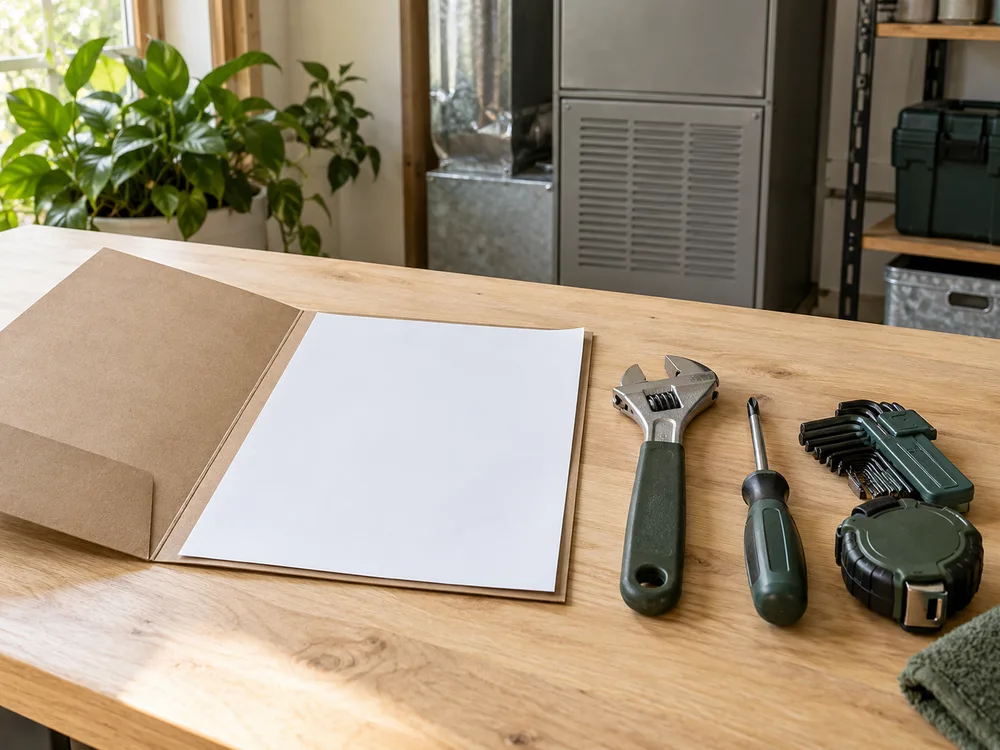
Illustrative blank estimate folder beside organized tools
One way to frame it · Illustrative photo

Example caption

Asking for an estimate for [service name]? Include [information needed for an estimate] through [contact channel]. Check the proposed scope, what is included and what would need a separate agreement before confirming the work.

Prepare

Photograph

Photograph a blank estimate folder beside tools, without real customer paperwork.

Make it yours

Explain how customers can check the scope of an estimate before agreeing to work.

Planning an appointment

Give customers a clear way to check availability.

Example caption

Planning [service name] in [service area]? Use [booking channel] to check appointment options. Include the type of work you need so the proposed time can be checked against the scope, and keep the confirmation for the agreed arrangements.

Prepare

Photograph

Use a clear photo of your own premises or prepared tools, without customer addresses or screens.

Make it yours

Tell people how to check coverage and appointment options before making plans.

Turn the ideas into a plan.

Turn a few details into a week

Choose real work, a useful answer and one timely update. Prepare drafts together and check the details before scheduling.

Check before sharing

Get permission for customer locations and people. Keep addresses, access details and private documents out of view.

Explore

A few things to know.

Do I need customer photos?

No. Your tools, preparation and practical answers can provide useful subjects without showing a customer or their property.

Turn a useful prompt into a saved draft.

Start with two channels and ten deliveries a month, free.