
Skip to content
Nuntio
Login

Six posts from the jobs you already do.

Pick a finished job, a service explanation or a seasonal question from these six HVAC post ideas. Use your own approved job photo and adapt the caption to the work you actually perform. Check the equipment description, service area and customer privacy before preparing the post for review and scheduling.

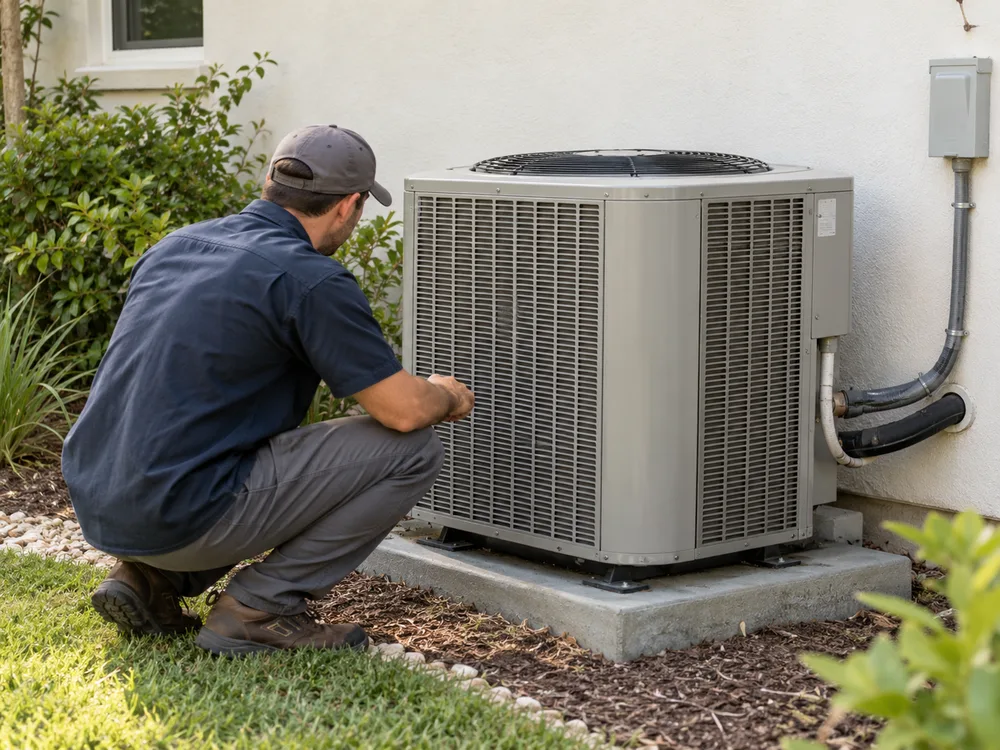
An HVAC technician inspecting an outdoor unit
After the final check · Illustrative photo

Five more ways
to share your work.

Choose the moment you already have. Replace every bracketed detail with a fact you have checked before using a caption.

What a service visit includes

Help customers understand the appointment.

Example caption

What does [service name] include? Our appointment covers [verified scope], with findings explained before any additional work is agreed. When requesting a visit, tell us the equipment type and the issue you want inspected.

Prepare

Photograph

Photograph a technician checking equipment, with private documents and customer details out of view.

Make it yours

List the steps your business includes in a routine appointment. Keep the description specific to the service you actually sell.
Meet the technician

Make the people doing the work familiar.

Example caption

Before leaving for [job type], [first name or role] checks the kit and the appointment notes. That includes the equipment model and any access arrangements already agreed with the customer. Private paperwork stays outside the photograph.

Prepare

Photograph

Ask a technician if you can photograph them preparing equipment. Use their verified role in your own version.

Make it yours

Introduce a team member and their verified qualifications, with permission. Explain the work they handle.

A seasonal planning reminder

Offer a useful planning reminder without a savings promise.

Example caption

Planning [seasonal service]? Use [booking channel] to ask about appointments in [service area]. Include the equipment type so we can confirm whether the work fits our service. This reminder is about planning a visit, not a promise of lower bills.

Prepare

Photograph

Show the outside of a system your team services. Avoid implying that the pictured unit needs repair.

Make it yours

Tell customers which service they may want to arrange ahead of a season. Check current booking availability and avoid unverified savings claims.

A question about the process

Make the next step feel understandable.

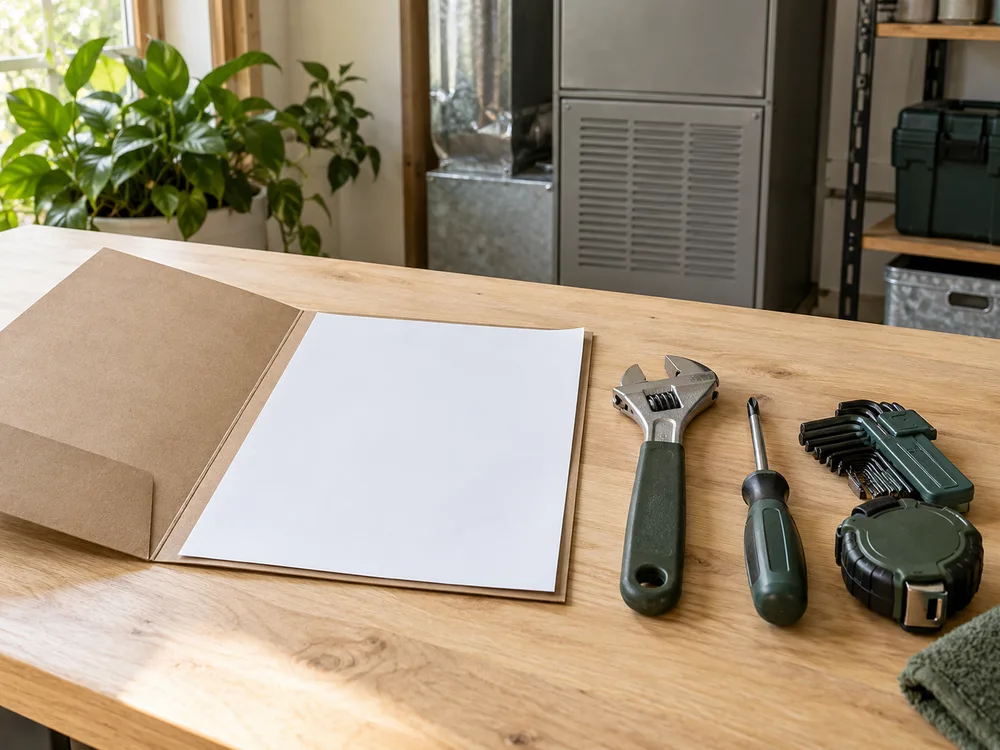
Illustrative blank estimate folder beside organized service tools
One way to frame it · Illustrative photo

Example caption

An estimate should make the proposed work understandable. For [service name], ask what equipment, labor and follow-up are included, and which items would need separate agreement. Keep the written scope with the appointment details.

Prepare

Photograph

Photograph an estimate folder and tools, with no real customer paperwork visible.

Make it yours

Explain how an estimate or installation visit works. Make the next contact step clear.

The area you serve

Give people a clear way to check service coverage.

Example caption

We take enquiries for [service type] in [service area]. Send the area or postcode through [contact channel] to check coverage before arranging a visit. Do not post your full address or access instructions in a public comment.

Prepare

Photograph

Photograph a team vehicle at your own premises. Keep registration plates and customer locations out of frame.

Make it yours

Name your current service area and hours. Pair it with a team or vehicle photo that does not reveal a customer’s address.

Turn the ideas into a plan.

Turn six ideas into a plan

Collect suitable images as jobs finish. Write the captions in one session, ask a qualified colleague to review technical details, then schedule the approved drafts around your actual service calendar.

Check before you share

Get customer permission before sharing their property. Check for addresses, faces, license plates and access codes. Keep hazardous repair instructions out of general posts; use a service explanation checked by a qualified technician.

Explore

A few things to know.

Should I post DIY repair instructions?

Use these prompts to explain your services and process. Ask a qualified person to check any technical advice before sharing it.

Will these ideas generate leads?

They give you concrete subjects for useful updates. They do not establish or guarantee a sales result, and Nuntio does not provide lead attribution.

Turn a useful prompt into a saved draft.

Start with two channels and ten deliveries a month, free.