
Skip to content
Nuntio
Login

Six ways to show what a stay is like.

Choose a room detail, a breakfast question or an arrival arrangement from these six hotel post ideas. Replace the example caption with your own room category, inclusions and booking route. Use a matching property photograph and confirm the dates before you schedule an update that guests may rely on.

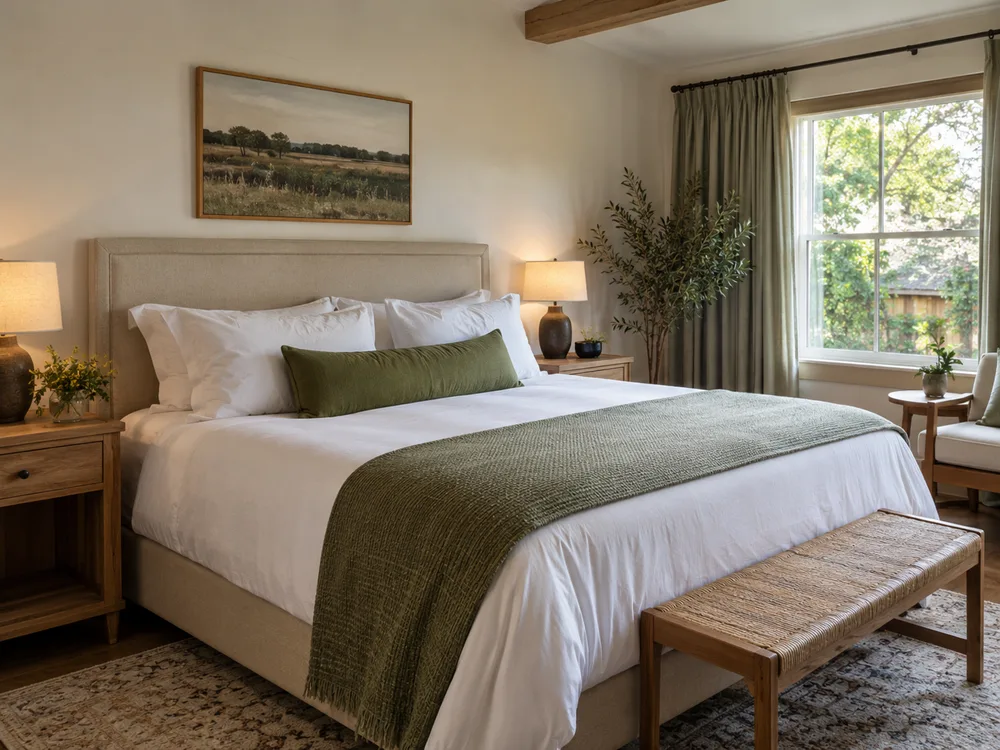
A neatly prepared hotel guest room in natural light
Before guests arrive · Illustrative photo

Five more ways
to share your work.

Choose the moment you already have. Replace every bracketed detail with a fact you have checked before using a caption.

Breakfast before service

Pair an inviting scene with a useful question.
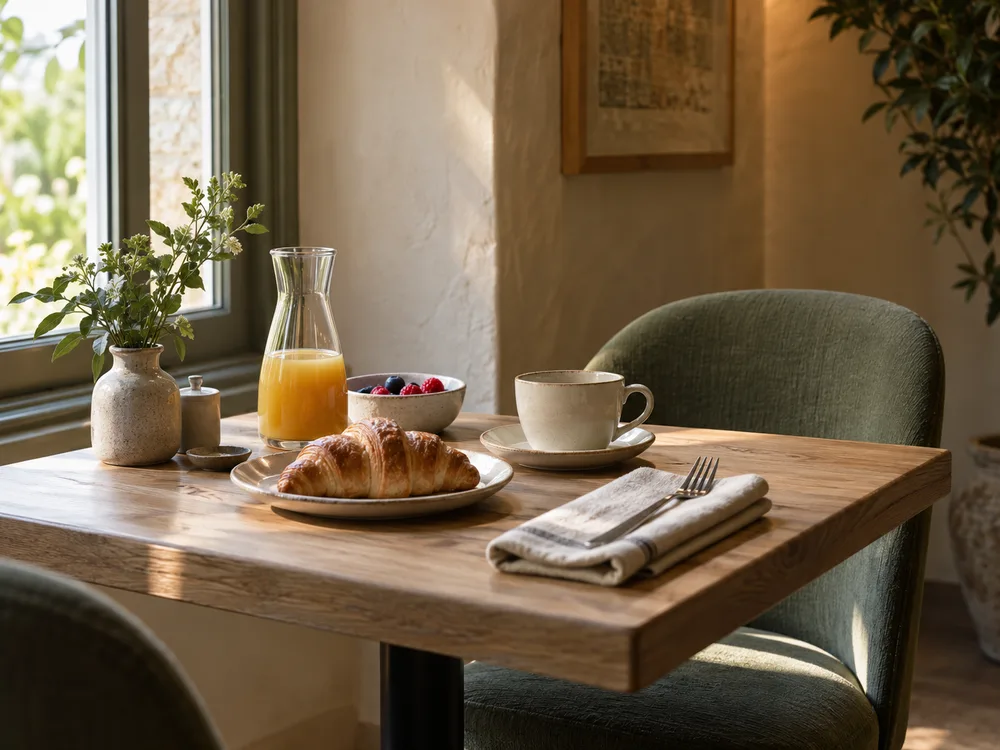
Illustrative breakfast table prepared before guests arrive
One way to frame it · Illustrative photo

Example caption

Breakfast at [property name]: [verified serving arrangement] during [service times]. Check whether it is included in your rate or booked separately. For ingredient or dietary questions, contact [appropriate property team] before your stay.

Prepare

Photograph

Photograph a prepared breakfast table before guests arrive. Leave other tables and personal belongings out of view.

Make it yours

Show a dish or table before guests arrive. Include the serving hours and whether breakfast is included.

The route from arrival to check-in

Help guests picture their arrival.

Example caption

Arriving from [station or landmark]? Our entrance is on [street], and check-in arrangements are [verified check-in detail]. Keep your booking reference for reception and use [contact channel] if your arrival falls outside those arrangements.

Prepare

Photograph

Photograph the public entrance from the arrival route without showing access codes or security controls.

Make it yours

Explain parking, the entrance or check-in arrangements. Keep access codes and security details private.

A nearby place to visit

Give guests a starting point for exploring.

Example caption

One place to explore nearby is [verified attraction]. Check its own opening and booking information before planning a visit. Reception can explain the route from the hotel; transport times depend on how you travel.

Prepare

Photograph

Photograph a public walking route your team knows well. Check permissions where needed and avoid recognizable bystanders.

Make it yours

Share a local walk, attraction or restaurant your team can describe accurately. Check opening details before the scheduled date.

The person behind the welcome

Introduce a useful point of contact.

Example caption

Meet [first name or role] from reception. They help guests with [verified responsibility], from confirming check-in arrangements to explaining what is included in a reservation. For a booking change, use [booking channel] with your reference.

Prepare

Photograph

With permission, photograph a member of reception in the lobby without guest documents or screens visible.

Make it yours

Introduce a consenting team member and their role. Share one practical recommendation they give guests.

A seasonal facility update

Keep seasonal expectations accurate.

Example caption

Planning a stay during [event or season]? Confirm the dates, room category and included extras through [booking channel]. Availability comes from that booking process; this post does not reserve a room or hold a rate.

Prepare

Photograph

Show a seasonal facility as it currently looks. Avoid photographing guests or suggesting it is always open.

Make it yours

Describe the availability of a terrace, pool or other facility. Include dates and any conditions rather than implying year-round access.

Turn the ideas into a plan.

Turn six ideas into a plan

Choose a mix of room, food, team and local photos. Write captions in one session, check each detail with the relevant colleague, and schedule them across the coming weeks. Recheck time-sensitive events before publication.

Check before you share

Use photos without identifiable guests unless you have permission. Avoid room numbers, access codes and booking screens. Describe the room or service shown accurately so the image does not promise something every guest receives.

Explore

A few things to know.

Do these posts promise more bookings?

No. They help explain the property and keep practical information visible. Booking attribution is not available in Nuntio. See the roadmap for planned features.

Can I schedule a photo collection on Instagram?

Instagram carousels are not supported. Use one selected image per post, or prepare a Reel if video suits the subject. See the roadmap for planned features.

Turn a useful prompt into a saved draft.

Start with two channels and ten deliveries a month, free.