Skip to content
Nuntio
Login

Six useful updates from your practice.

Use these six dental post ideas to explain a visit, introduce the team or answer a practical reception question. Choose a prompt, adapt its caption and prepare a photo that does not reveal a patient. Have the appropriate colleague review clinical wording and appointment information before you schedule the saved version.

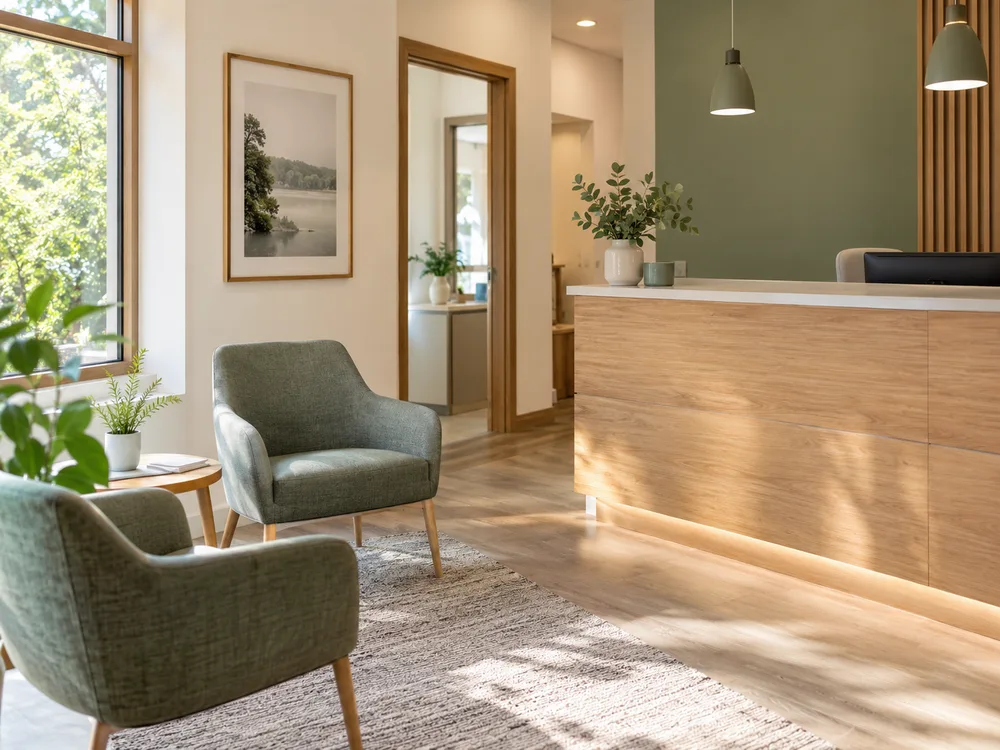
A bright, empty dental practice reception area
Before the first appointment · Illustrative photo

Five more ways
to share your work.

Choose the moment you already have. Replace every bracketed detail with a fact you have checked before using a caption.

Meet a member of the team

Explain who helps with appointments.

Example caption

Meet [first name], who helps with [verified reception role]. They can explain the appointment arrangements and direct clinical questions to the appropriate colleague. This introduction is shared with their permission.

Prepare

Photograph

With permission, photograph a receptionist at a desk with all patient information removed.

Make it yours

Introduce a clinician or receptionist with their permission. Check their name, professional title and role.
A look around the practice

Make the practice easier to recognize.

Example caption

A view of our [waiting or consultation area] before appointments begin. The entrance is on [street or landmark]. Ask reception through [contact channel] about the route into the practice if you need particular access arrangements.

Prepare

Photograph

Photograph the empty waiting area from the doorway. Check every surface for patient information.

Make it yours

Photograph an empty waiting area or treatment room. Explain one feature patients ask about without showing records or screens.

A service explained simply

Explain an appointment without promising an outcome.

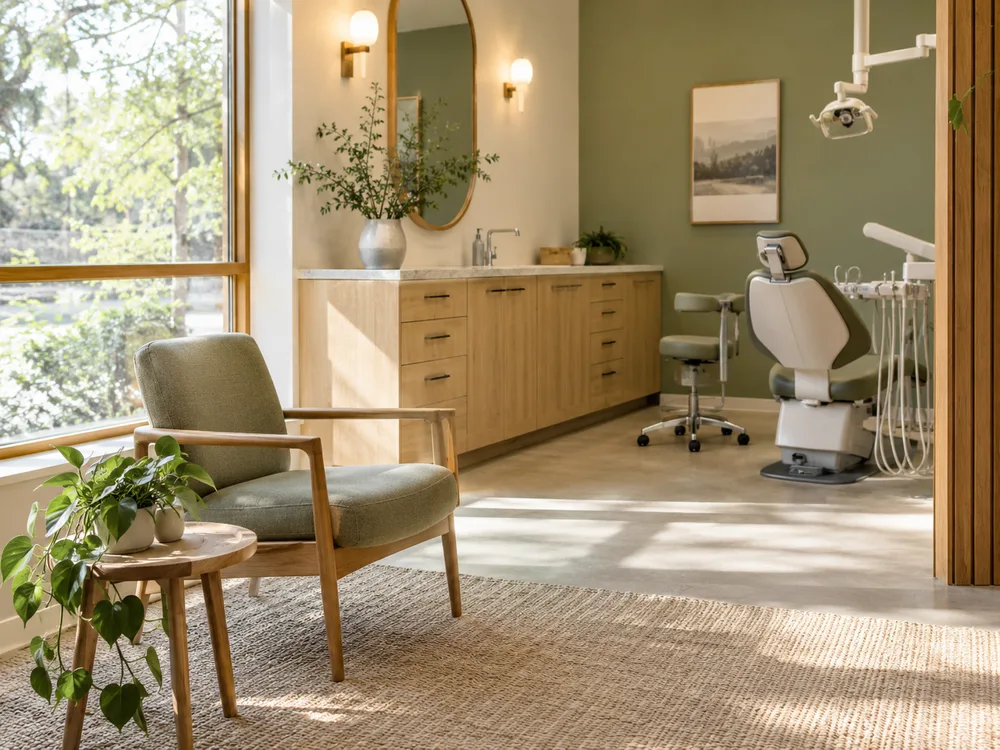
Illustrative empty dental consultation space
One way to frame it · Illustrative photo

Example caption

Wondering what happens during [appointment type]? The practice can explain the planned steps, expected duration and what needs to be agreed first. Use [contact channel] to ask about your own appointment rather than sharing personal treatment details publicly.

Prepare

Photograph

Use an empty consultation space. Keep clinical equipment secondary to the space itself.

Make it yours

Describe what a service involves in your practice. Have a clinician review the wording and avoid promising an outcome.

How to contact reception

Direct different questions to the right people.

Example caption

Booking question or clinical question? Reception can help with [booking arrangement]. Questions about symptoms, treatment or your records need the appropriate clinician and a private contact route.

Prepare

Photograph

Show the public entrance and practice sign without recognizable patients in the image.

Make it yours

Explain your booking and contact routes, opening hours and how your practice handles urgent queries.

A seasonal hours update

Prompt patients to check confirmed closure arrangements.

Example caption

Our [date] opening arrangements are [verified hours or closure]. If you have an existing appointment, use [contact channel] to confirm its arrangements. Follow the practice’s published instructions for help outside those hours.

Prepare

Photograph

Photograph the exterior or use a simple graphic that directs people to the practice's confirmed contact information.

Make it yours

Prepare a dated post for a holiday or closure. Check the arrangements for anyone who needs help during that period.

Turn the ideas into a plan.

Turn six ideas into a plan

Ask reception for common practical questions and gather approved team or practice photos. Write the drafts together, have a clinician review relevant wording, then approve and schedule the posts.

Check before you share

Keep patients, records and identifying information out of images. Follow your practice’s consent and review policies. Nuntio’s approval workflow records a team decision; it does not certify clinical accuracy or compliance.

Explore

A few things to know.

Can I use these without patient photos?

Yes. Every prompt can use an empty-practice photo, a consenting team member or a relevant object without identifying a patient.

Who should review the drafts?

Have the appropriate person check each topic: reception for visit arrangements and a clinician for health-related wording. Nuntio supports reviews and change requests before scheduling.

Turn a useful prompt into a saved draft.

Start with two channels and ten deliveries a month, free.